[Android] SNSD Free Line Theme 5.3.0 Download [Not For Sale] + Tutorial
Hi, to change your line theme for free, you have to install Theme changer first, you can install it directly from Playstore, in this link --> THEME CHANGER
And then, you have to download these line theme :
these themes created by chiwinx.
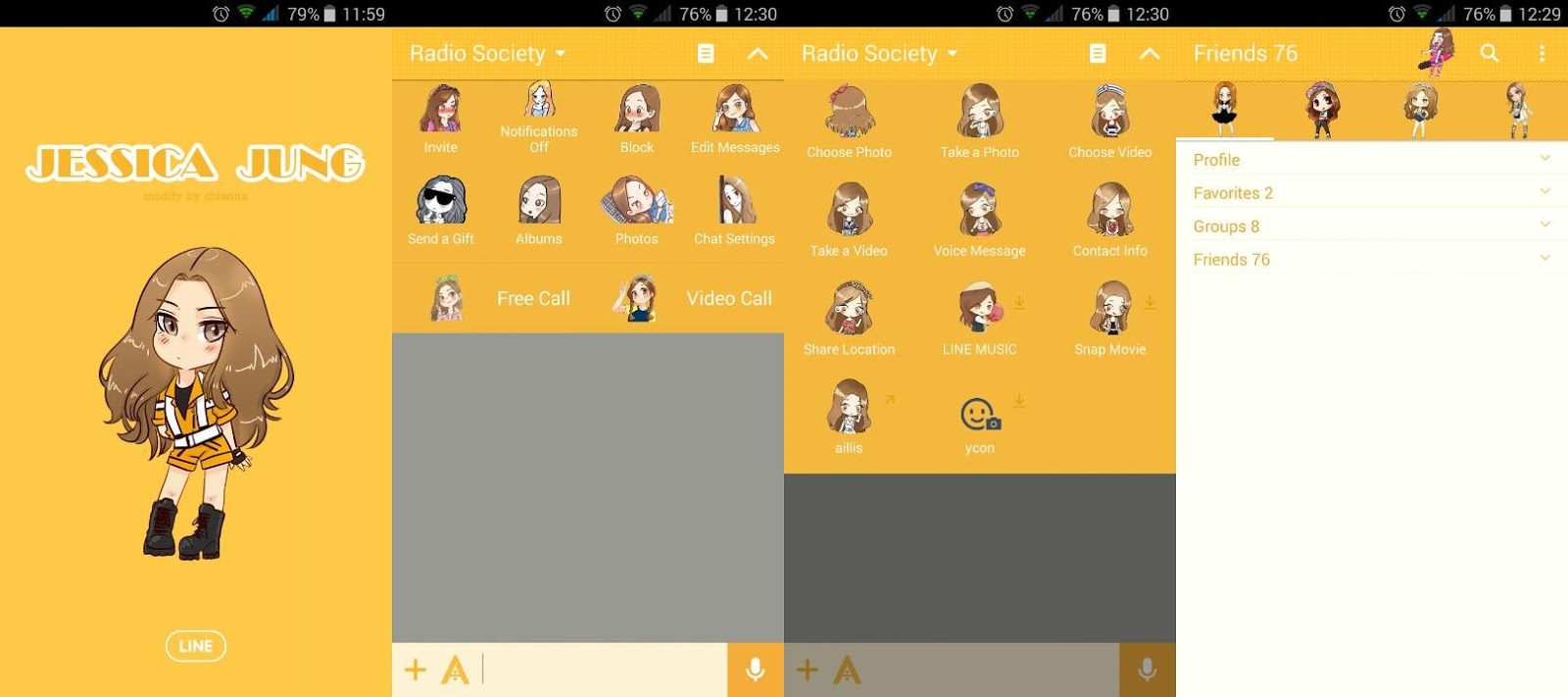
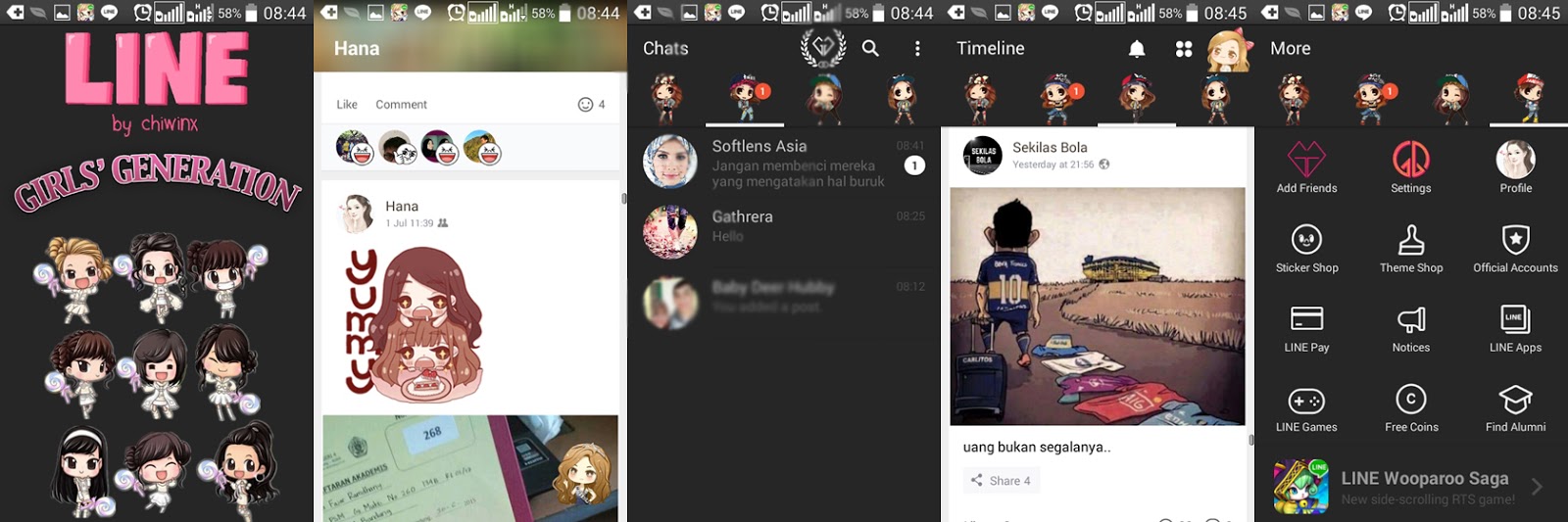
Taeyeon Line Themes Preview

Tiffany Line Theme Preview

Soshi White Theme Preview

Soshi Line Theme Preview
How To Install :
1. Open your LINE in your Android device to check themes
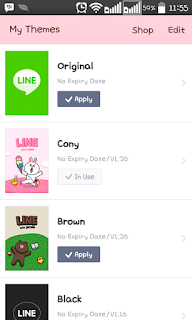
2. Tap More > Settings > Themes > My Themes
3. Apply your Line default themes and make sure Cony Theme or Brown Theme are downloaded in your Line
 4. Open your Theme Changer in your android device
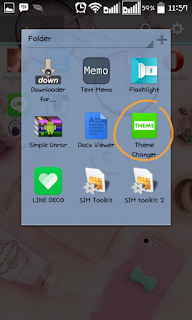 5. Tap + button in Theme Changer
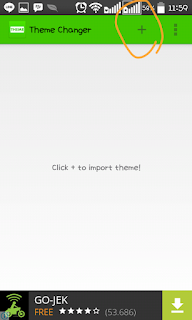
6. Find your Downloaded theme files, if you wasn't extract it yet, extract the rar file first. and then choose the file!
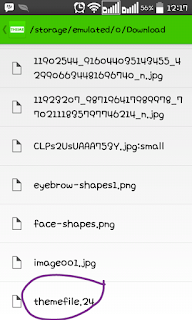 7. If the import is successful, the file will be shown like this:
1. Open your LINE in your Android device to check themes
2. Tap More > Settings > Themes > My Themes
3. Apply your Line default themes and make sure Cony Theme or Brown Theme are downloaded in your Line
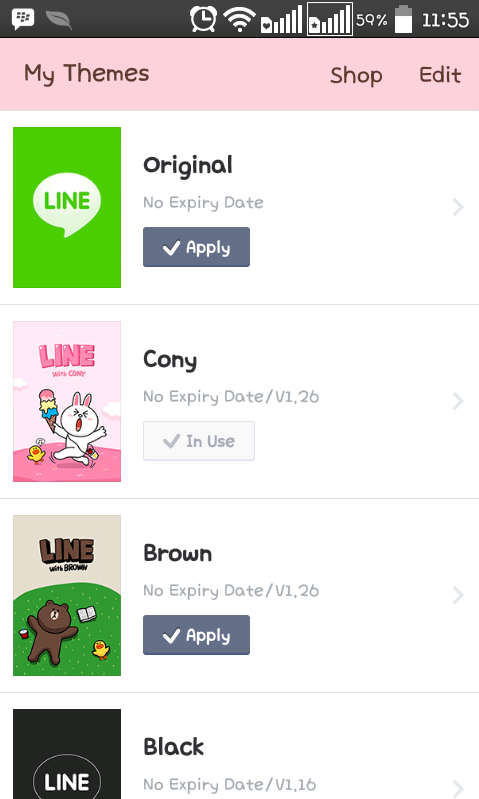
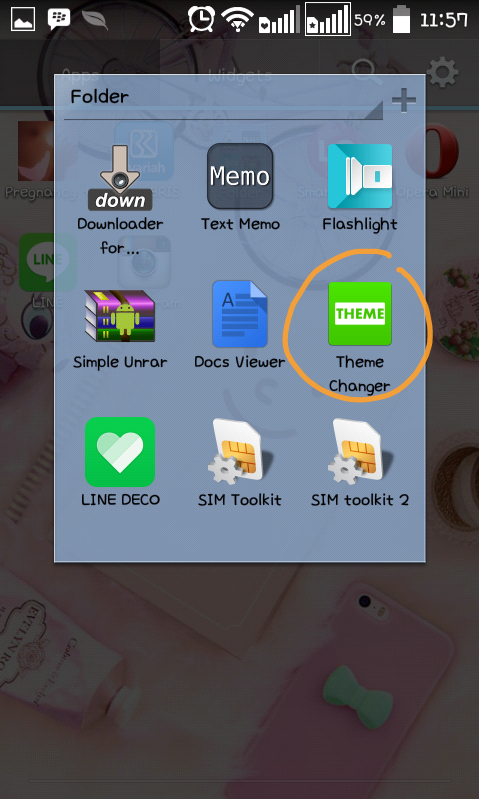
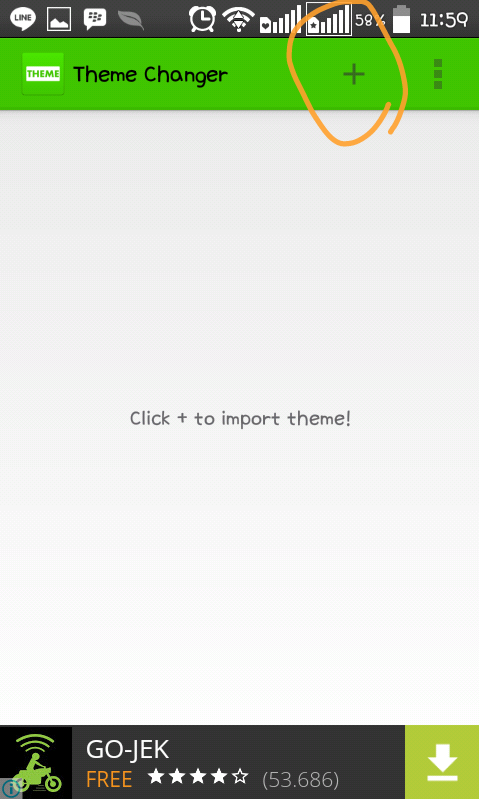
6. Find your Downloaded theme files, if you wasn't extract it yet, extract the rar file first. and then choose the file!
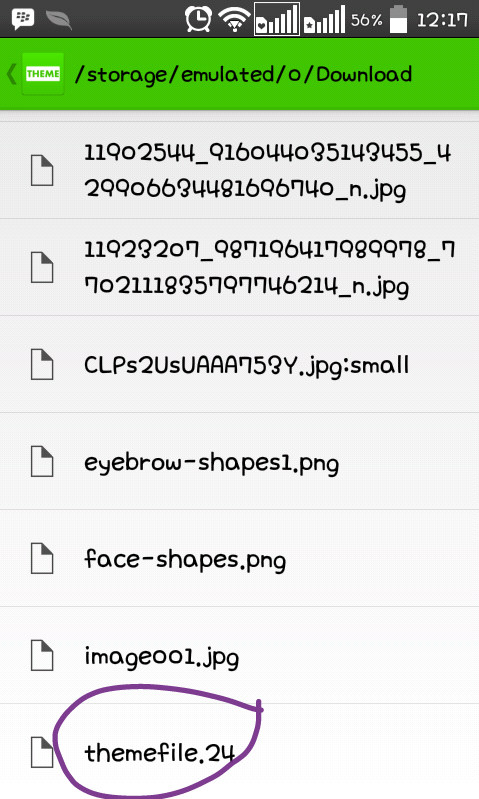
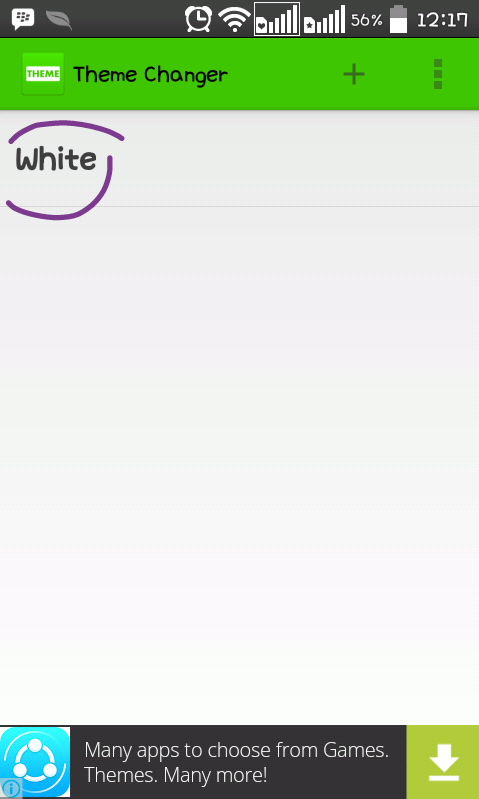
8. Tap the theme!
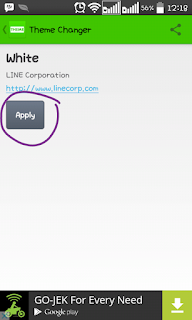
9. Tap Apply, then it will be an option to overwrite theme, choose one of them that you had download before this,
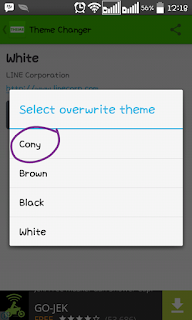
10. And then go to your Line Application again.
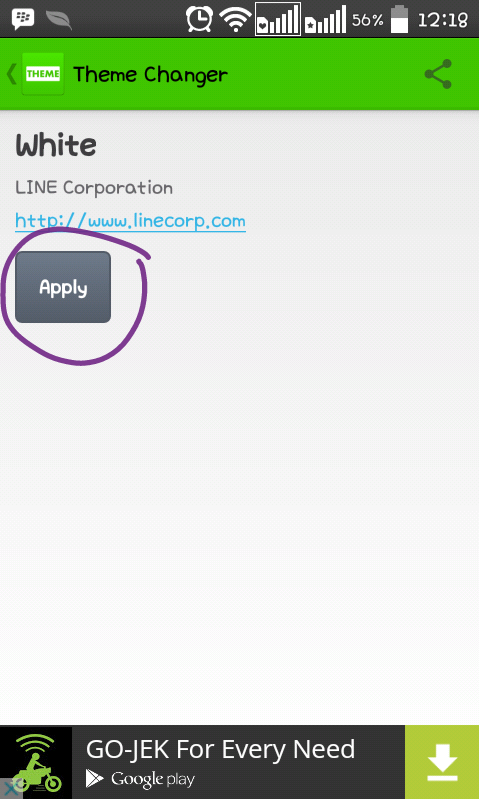
9. Tap Apply, then it will be an option to overwrite theme, choose one of them that you had download before this,
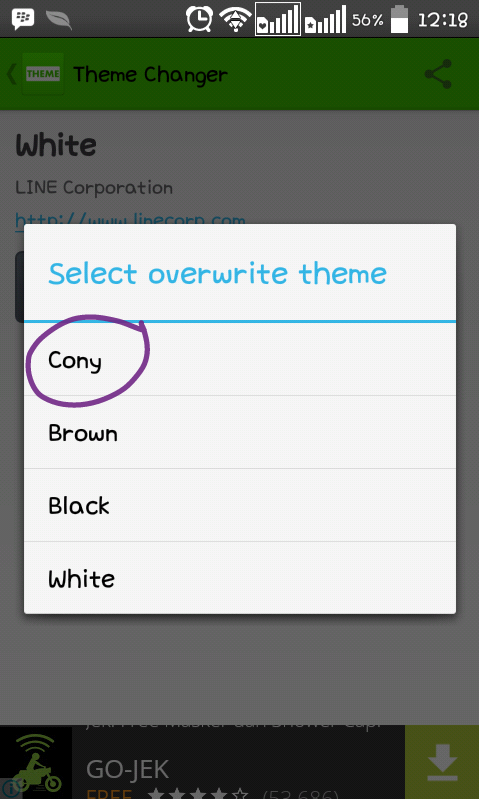
10. And then go to your Line Application again.
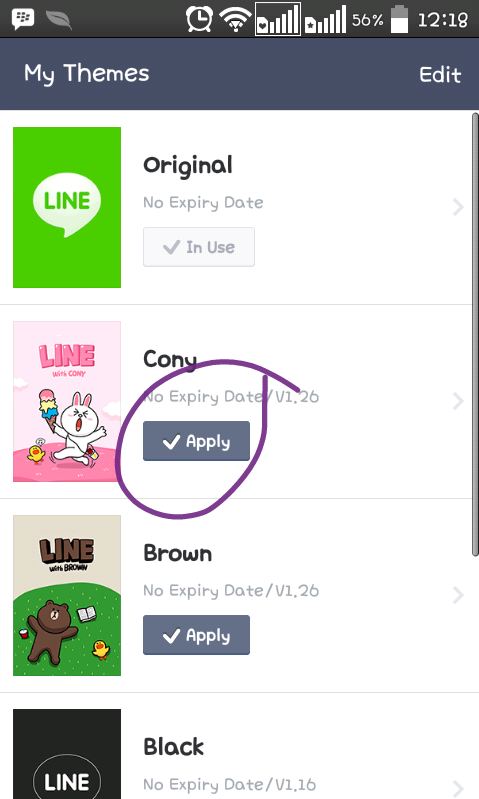
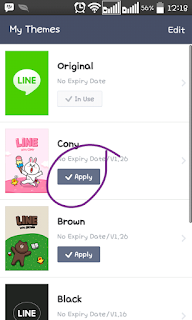
11. Choose the theme that you've had overwrite, I was overwrite the cony theme, Apply (!)
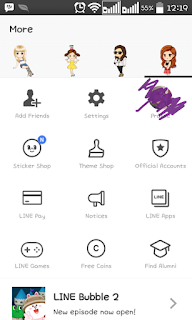 SO, welcome new theme!
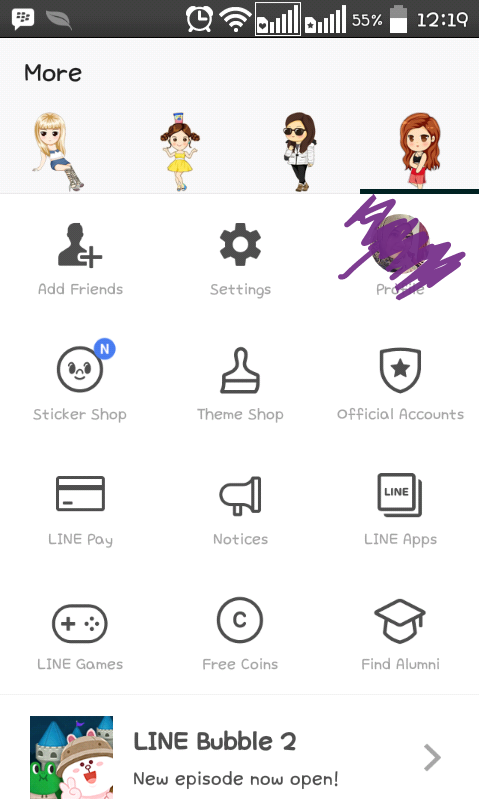
PS : My Phone is LG L70 D325, it's not root and the theme are installed successfully. Unless you uninstall your line ofc, >.<
Labels: free line theme, Girls' Generation, Girls' Generation line theme, SNSD, snsd line theme, soshi line theme
posted by hana zm @ August 21, 2015
0 Comments